
Digital Banking
Banking for the Way Life Moves
Open accounts online. Manage money from anywhere. Still bank with people who know you.
Your bank should fit into real life. The moments when you need to check a balance before checkout. Deposit a check before leaving the driveway. Move money before practice starts. Open an account when the next goal is ready.

Because banking shouldn’t feel like one more thing to manage.
Digital banking gives you secure access to the tools you need to manage everyday banking, wherever you are. Check balances, deposit checks, move money, and set alerts in the moments when life is already happening.
Check it
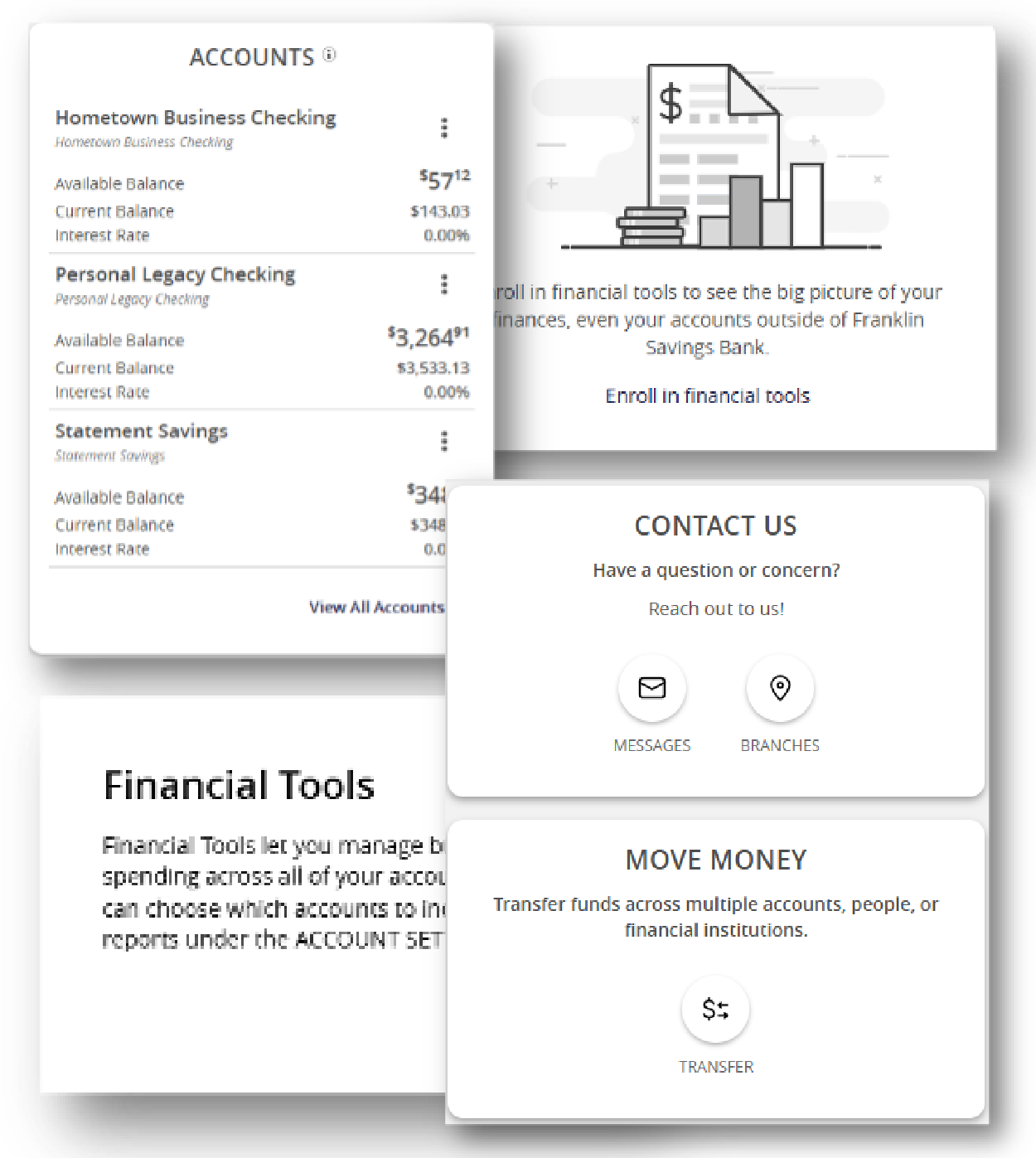
View balances, recent activity, transactions, and account details.
Deposit it
Use mobile deposit to deposit checks from your phone.
Move it
Transfer funds, make payments, and manage money when life is moving.
Watch it
Set alerts to help you keep a closer eye on account activity.

Check it before the checkout.
Quickly see balances and account activity when you need a clearer picture.

Deposit the check before you leave the driveway.
Use mobile deposit without adding another stop to your day.

Move money before practice starts.
Transfer funds and manage money from more places, on your schedule.

Open the Account When the Moment Happens
Big plans do not always start at the Bank. A new job. A new savings goal. A shared plan. A child’s first account. A next step for your business.
With online account opening, you can start when the idea is fresh and choose the account that fits what comes next.
- Open eligible accounts online.
- Start when the idea is fresh.
- Still bank with people who know you.
Tools Designed to Help You Feel More Organized
A clearer, easier way to manage your money in one place.
Favorite Accounts
Select up to five accounts for quick access from your dashboard.
Custom Login IDs
Change your login ID yourself, at any time.
Secure Messaging
Monitor messages and alerts directly in the digital banking platform.
Enhanced Alerts
Set alerts for balances, card transactions, ACH transactions, scheduled transfers, login changes, and more.
External Account Linking
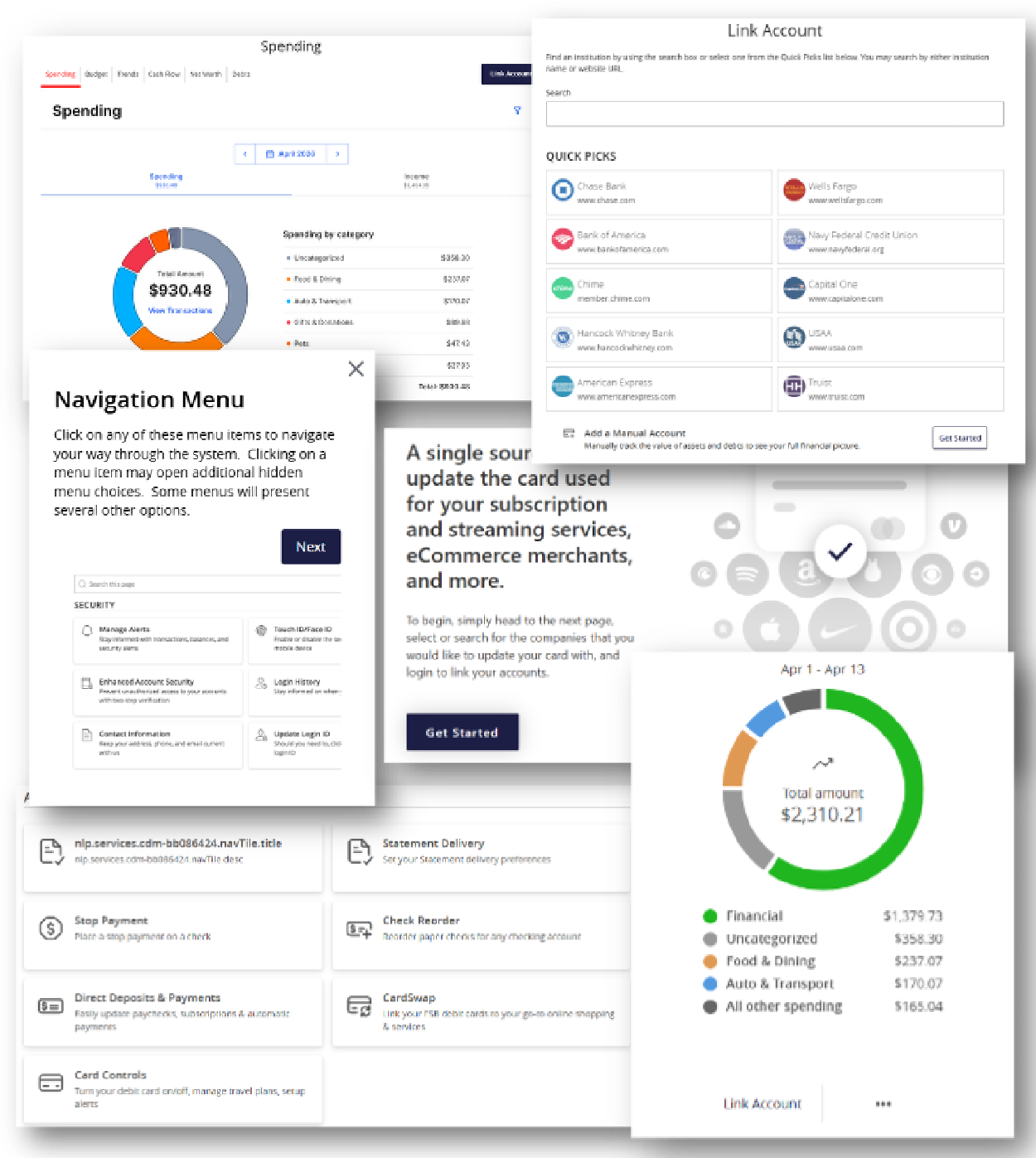
Link external accounts to view balances and transactions in one platform.
Personal Finance Manager
Link expenses and assets to get a broader view of your finances.
Deposit & Payment Switch
Update direct deposits and recurring payments more easily.
CardSwap
Update debit card information across favorite subscriptions and recurring payments.
Start saving while the idea is still fresh.
Open an account for whatever comes next.
Organize what you’re setting aside.
Use separate accounts or digital tools to keep goals easier to see.
For the trip, the project, the emergency fund, and the future plans.
Build the money habits that support what you are working toward next.
Business Banking That Moves With You
Business banking tasks do not always happen at a convenient time. Franklin Savings Bank digital banking gives business customers access to tools designed to help manage payments, approvals, account activity, and business banking needs with more flexibility.
New to Digital Banking?
Enrollment is simple. Use this section as a quick overview, with the full brochure linked below for more detailed instructions.
Choose Enroll Now
Navigate to the digital banking login or open the app, then select “Enroll now.”
Verify Your Information
Provide the requested information and choose where to receive your secure access code.
Create Your Password
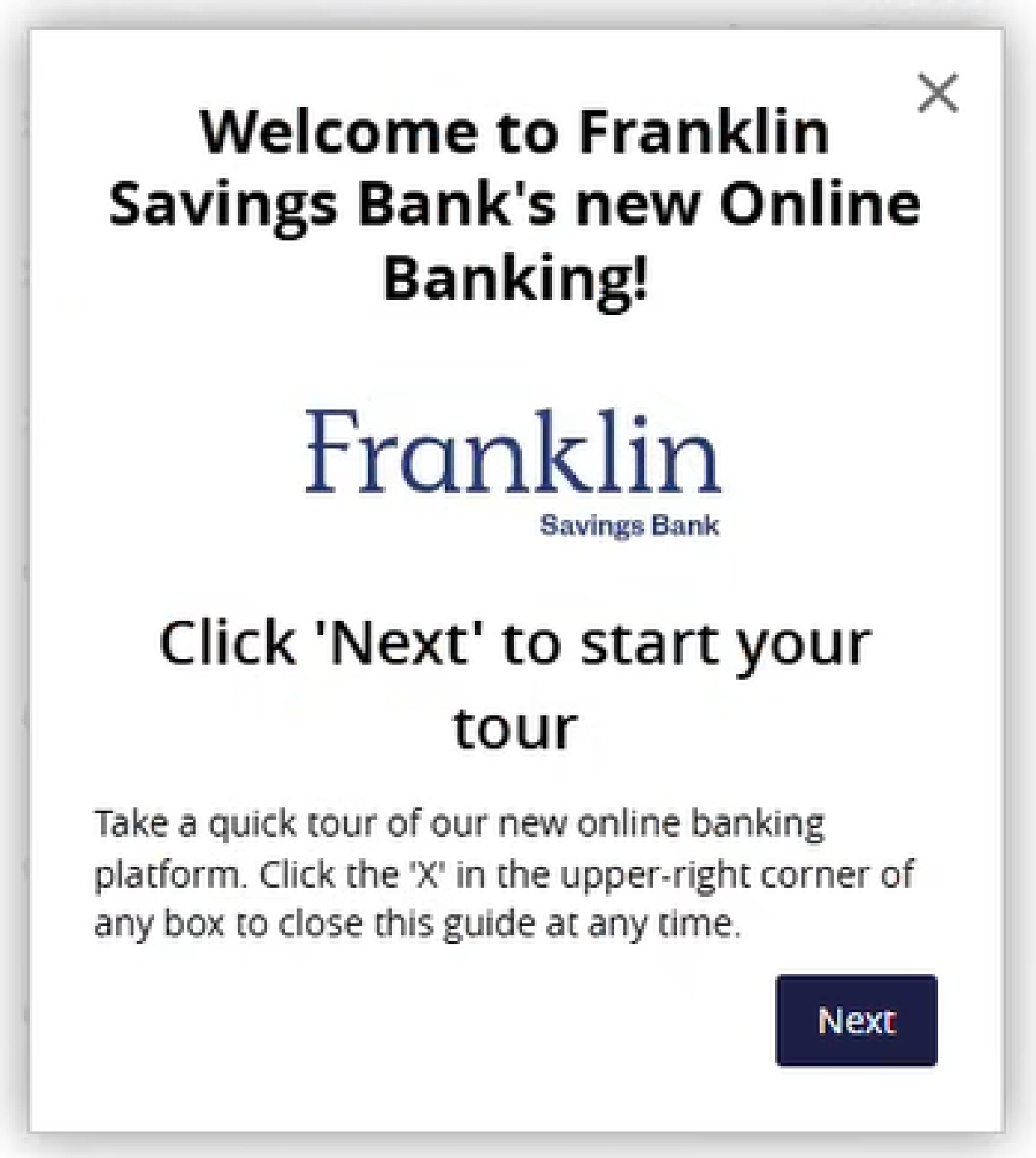
Accept the terms and conditions, take a quick tour, and start using digital banking.

View the Digital Banking Brochure
Looking for more details? View our digital banking brochure for enrollment steps, feature highlights, and additional information about online and mobile banking tools.
Stay Alert for Fraud
Franklin Savings Bank will never call, text, or email asking for your online banking password, secure access code, full account number, debit card PIN, or other sensitive personal information.
- Do not click suspicious links.
- Do not share passwords or secure access codes.
- Only download the Franklin Savings Bank mobile app directly from the App Store or Google Play Store.
Questions? Start here.
Find quick answers about enrolling, logging in, using the mobile app, setting alerts, moving money, and keeping your account secure.
It is my first time logging into online or mobile banking. What will I need to do?
To access digital banking for the first time, you will need your Login ID, password, and a way to receive a secure access code when prompted.
If you have not enrolled yet, select Enroll now from the digital banking login screen and follow the prompts to create your digital banking access.
Helpful reminder: Secure access codes help verify your identity and protect your account when you log in from a new device or browser.
How do I enroll in digital banking?
To enroll in digital banking:
- Navigate to the online banking login or open the Franklin Savings Bank mobile app.
- Select Enroll now.
- Provide the requested information and continue through the prompts.
- Choose where to receive your secure access code, then verify the code.
- Create your password.
- Accept the terms and conditions.
- Take the welcome tour and begin using digital banking.
For step-by-step screenshots, view our Digital Banking brochure.
Do I need to download the Franklin Savings Bank mobile app?
If you want to use mobile banking from your phone or tablet, download the Franklin Savings Bank mobile app directly from the App Store or Google Play Store.
Security reminder: Franklin Savings Bank will not text you a link to download the app. Use the official app stores and search for Franklin Savings Bank.
What can I do in digital banking?
Digital banking gives you secure access to tools that help you manage your money online or from your phone.
- View balances, transactions, and account activity
- Make transfers and loan payments
- Use mobile deposit
- Set up enhanced account alerts
- Manage cards and digital wallet access
- Link external accounts for a broader view of your finances
- Use secure messaging within digital banking
Can I set up account alerts?
Yes. Digital banking includes enhanced alert options to help you monitor account activity, balances, card transactions, ACH transactions, scheduled transfers, login changes, and more.
Once you are logged in, review the alert options available and choose the notifications that are most helpful for you.
Can I make transfers in digital banking?
Yes. Digital banking allows you to transfer money between Franklin Savings Bank accounts and use available transfer tools within the platform. You can also review transfer options under the Transfers & Payments area.
Availability may vary depending on account type, permissions, and the services you are enrolled in.
Can I customize my digital banking experience?
Yes. Digital banking includes tools to help you personalize and organize your experience. Depending on your account access, you may be able to update account nicknames, choose favorite accounts, manage alerts, review linked accounts, and adjust settings from within the platform.
Can I link external accounts?
External account linking may allow you to view balances and transactions from accounts outside of Franklin Savings Bank in one place. Once logged in, review the available options within digital banking.
How does mobile deposit work?
Mobile deposit allows you to deposit checks using the Franklin Savings Bank mobile app. Open the app, choose the mobile deposit option, follow the prompts, and submit images of the front and back of your endorsed check.
Mobile deposit availability, limits, and processing times may vary.
Can I make loan payments online?
Yes. Digital banking includes options to make loan payments online or from your phone. Once logged in, review the payment options available for your account.
Are there digital banking tools for business customers?
Yes. Franklin Savings Bank offers digital banking tools for business customers. Available tools may include ACH and wire management, business tax payment services, account visibility, approvals, and other business banking features depending on your access and services.
For help with business digital banking, contact our team.
Do business users have additional login or security steps?
Business digital banking users may have additional security steps or permissions depending on their services, users, and account setup. This may include token use, approvals, user permissions, or other business-specific tools.
Contact Franklin Savings Bank for help reviewing your business digital banking access.
How do I know if a digital banking message is legitimate?
Always be cautious with unexpected calls, texts, or emails. Franklin Savings Bank will never ask you to provide your online banking password, secure access code, full account number, debit card PIN, or other sensitive personal information by phone, text, or email.
If something seems suspicious, do not click links or provide information. Contact Franklin Savings Bank directly at 1.800.287.0752.
What should I do if I forget my password?
Use the Forgot password link from the digital banking login screen and follow the prompts to reset your password.
If you need help, contact our Customer Contact Center.